The internal tool

Location
Image Generator

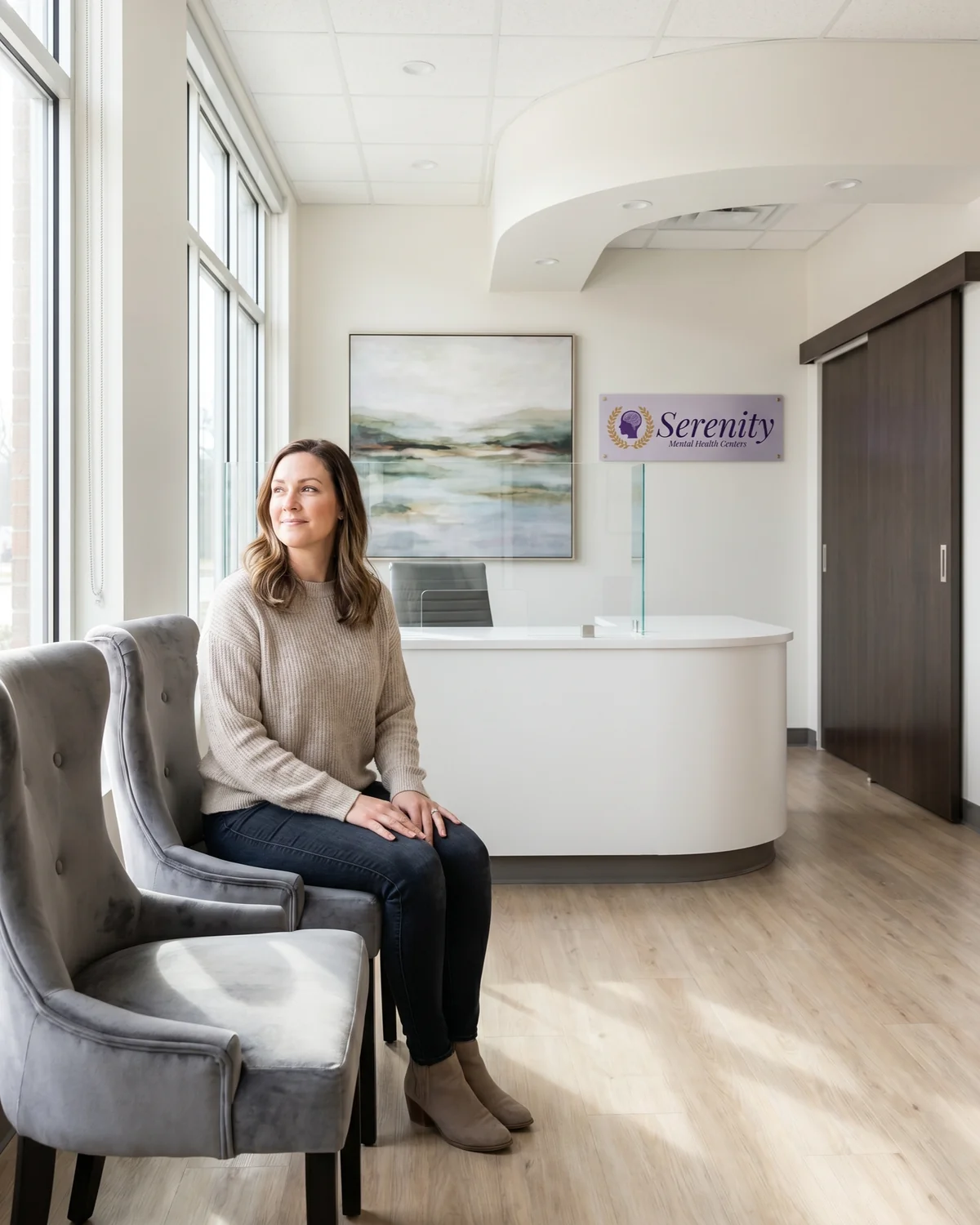
An internal tool that turns photos of our real Serenity clinics into on-brand marketing imagery. Pick the clinic. Set the scene. Get a photograph that matches the actual room.

Generated example
Henderson, Nevada
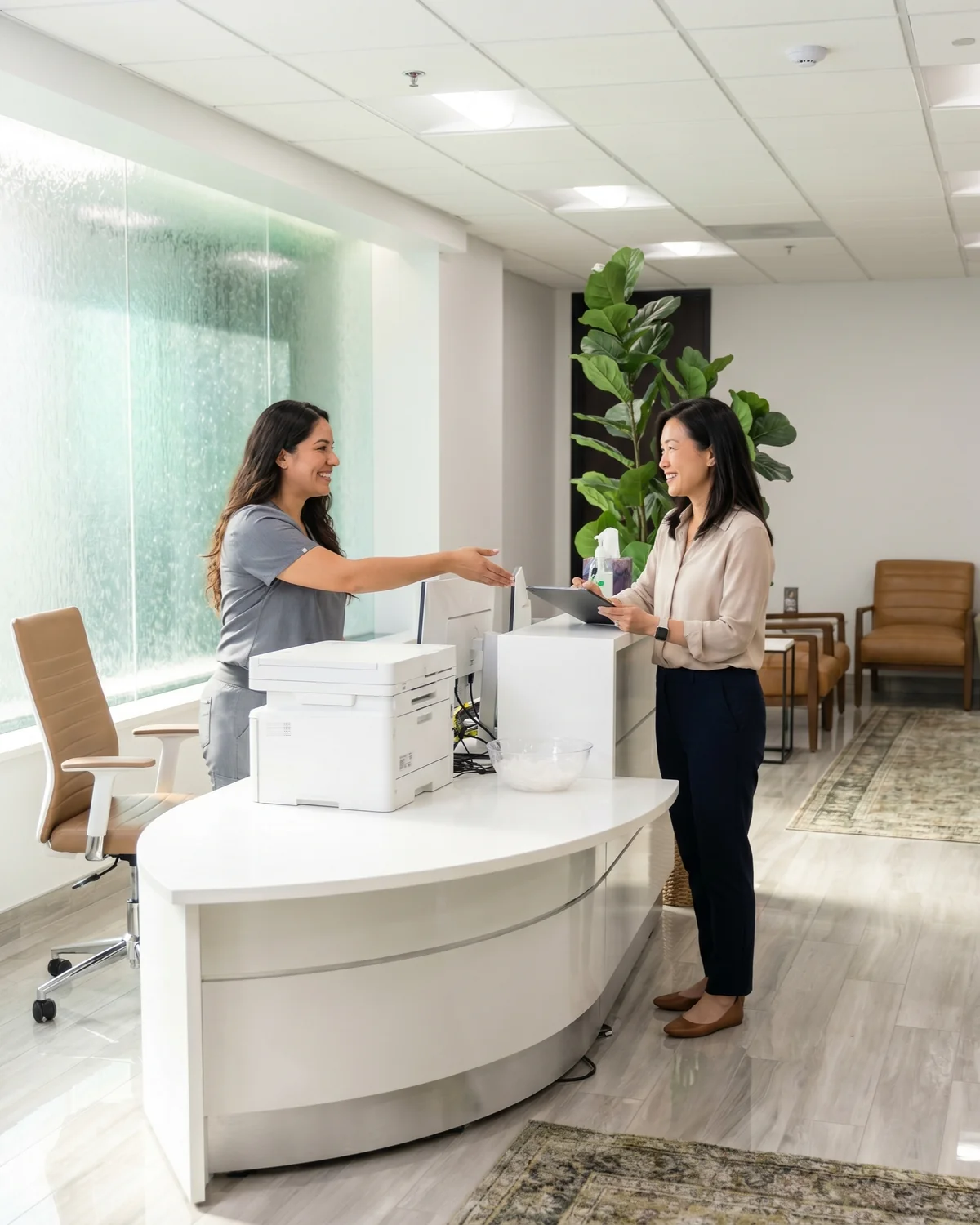
Welcoming Reception
Scroll

Pick the clinic

Choose the actual Serenity location the marketing piece is for, then tap a reference photo of the room.

Set the scene

Preset, patient, provider, shot type, every detail is yours. Every selection shapes the final image.

Get the photo

A brand-safe image anchored to that real room, ready to download in any size you need.

The workspace

Six tabs. One photo.

The right side of the app has six tabs. Click any one below to see what it controls and how it shapes the result.

serenity-locations.app
Preset · Therapy Consult

Quick Preset

Curated starting points for Serenity marketing.

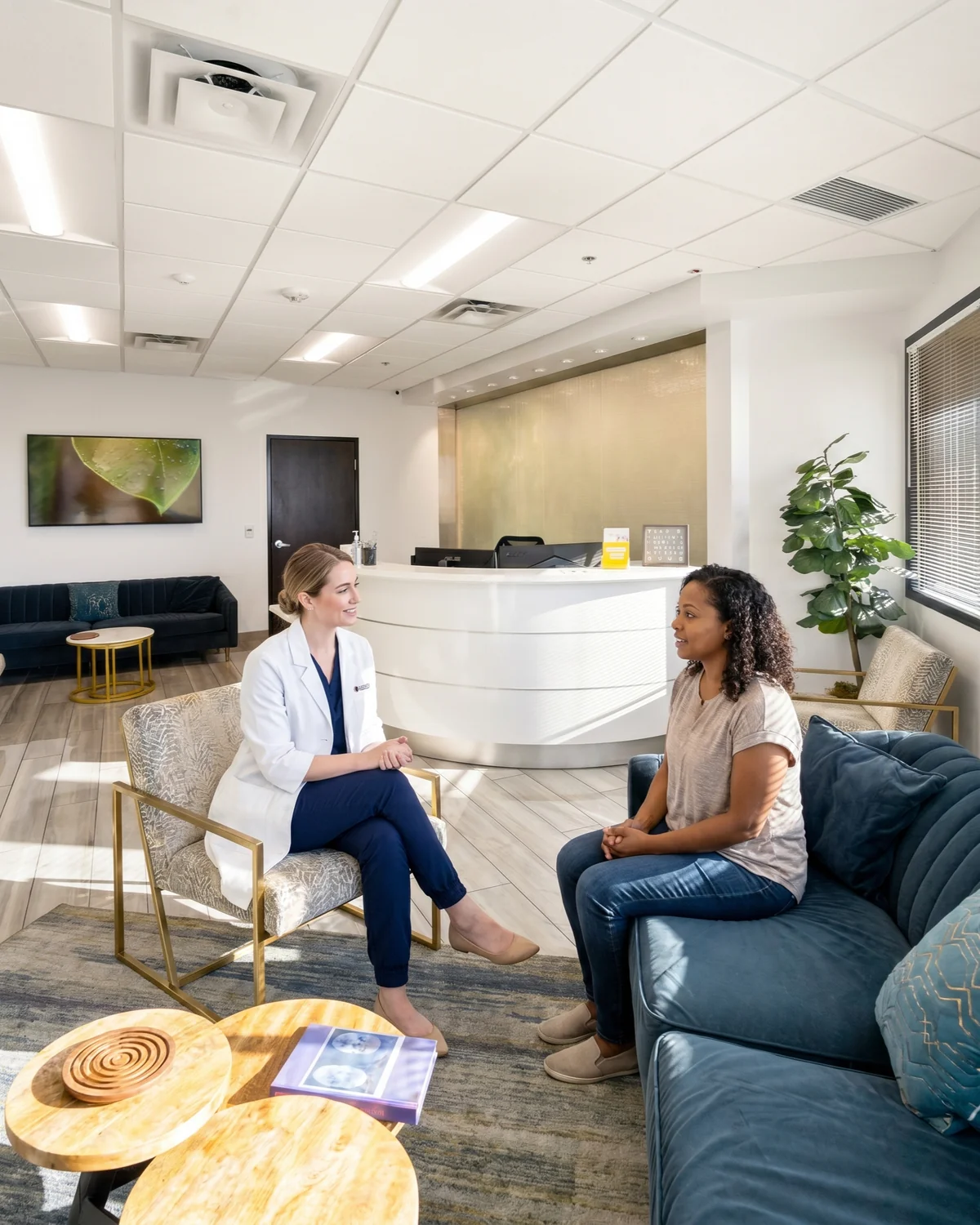
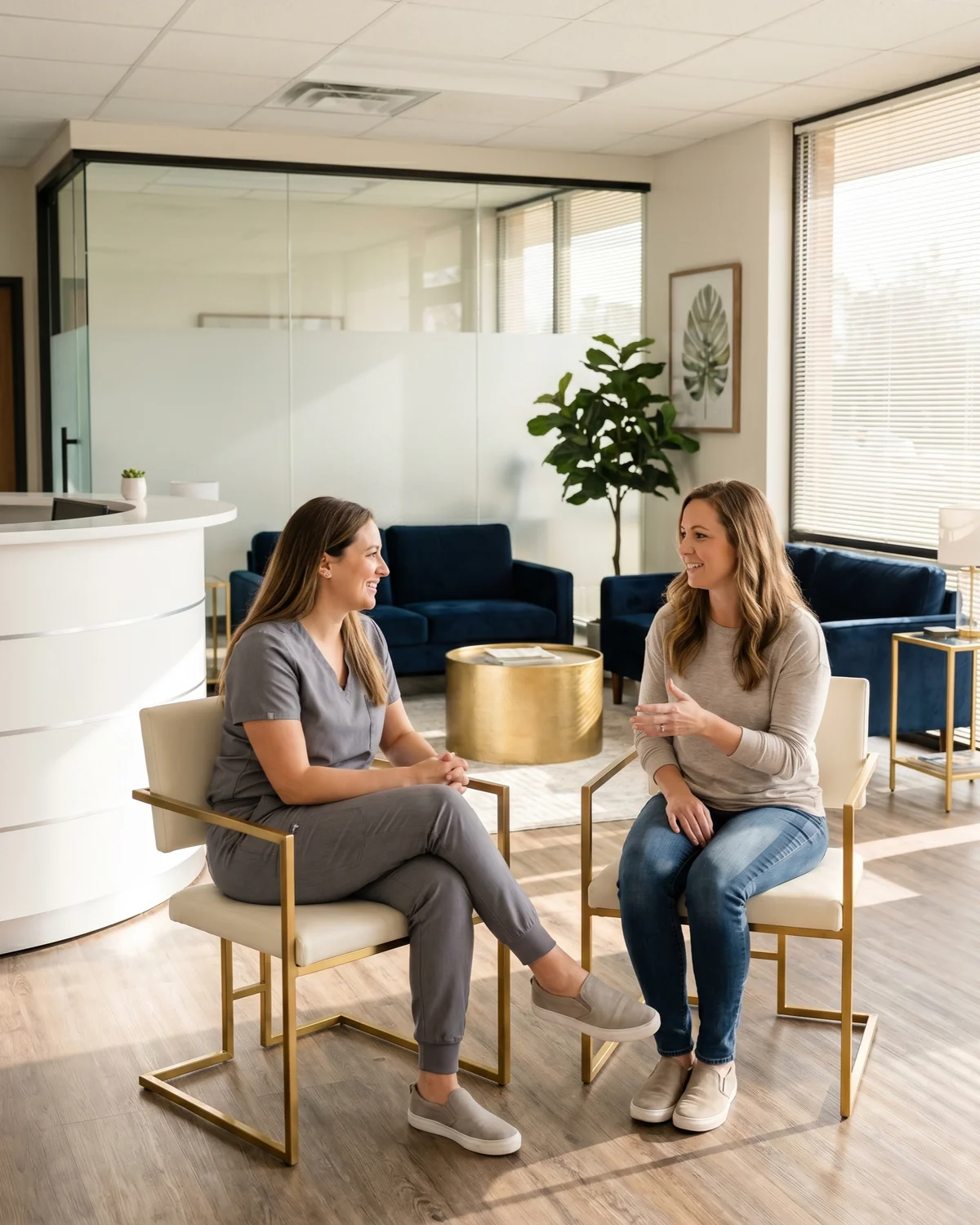
Therapy ConsultProvider + patient in conversation
Welcoming ReceptionFront-desk welcome moment
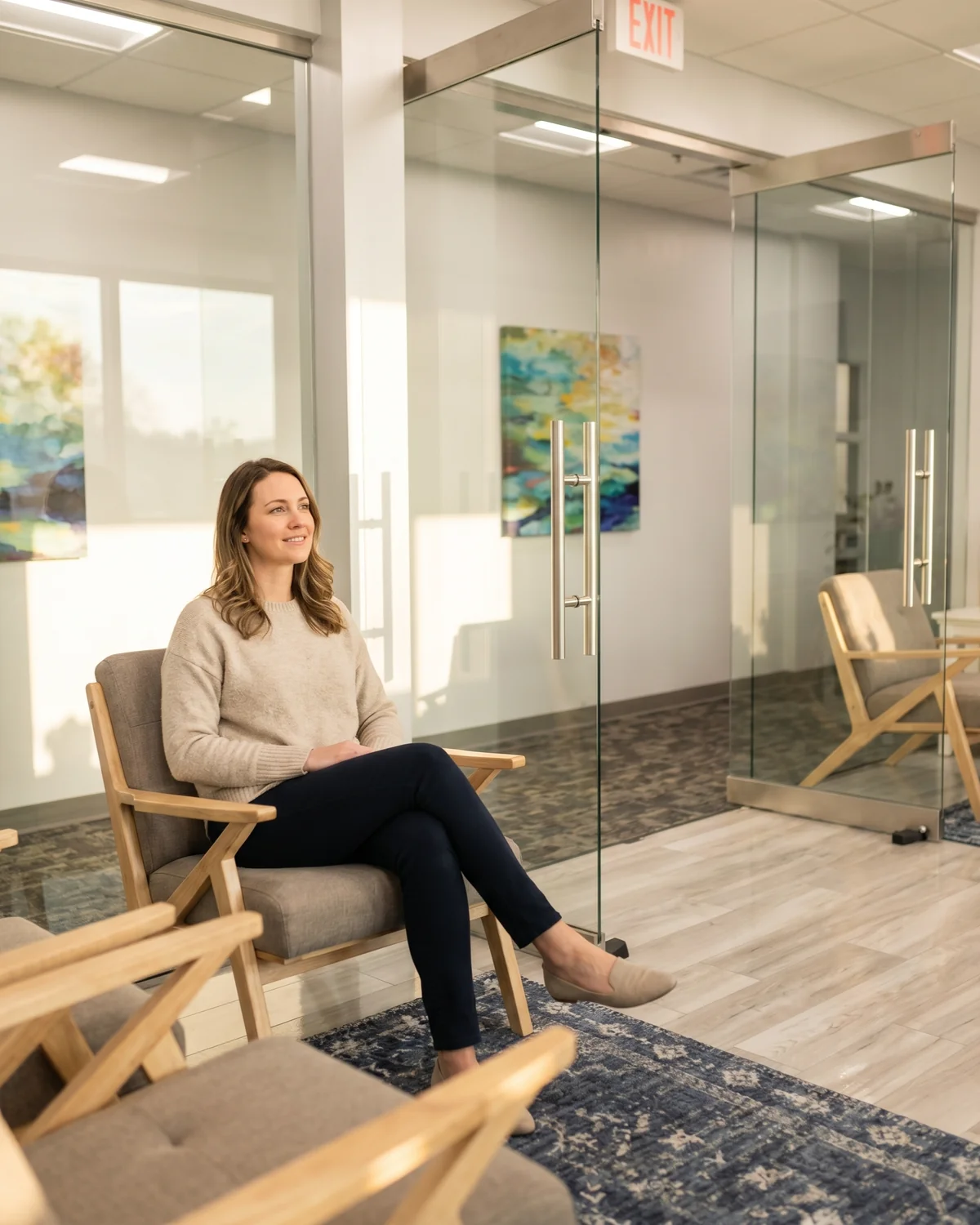
Calm Waiting RoomPatient relaxed in the lobby
Nurse IntakeGrey scrubs, supportive
Psychiatrist VisitWhite-coat provider
Hopeful PortraitPatient alone, calm
What it does → One tap pre-sets the scene, the activity, and a sensible default for who's in the photo.

Clinic Location

Pick the Serenity location. Tap a photo to choose which area of the clinic to anchor to.

Location
Henderson, Nevada
Reference photo · tap one
Henderson
Sandy Spr.
Lake Mary
Chandler
Colo. Spr.
What it does → Locks the photo to that actual room. Wall colors, flooring, furniture all match.

Patient

The person seeking care. Calm, hopeful, in everyday clothing.

Subject Type
1 adult patient
Age Range
Adult (30–49)
Race / Ethnicity
Diverse / no pref.
Gender
Female
What it does → Tells the model who's in the photo so the result reflects the audience you're targeting.

Provider / Nurse

Optional clinician in the scene.

Include a providerAdds a clinician beside the patient.
Role
Licensed therapist
Outfit
White medical coat
Race / Ethnicity
White
Gender
Female
What it does → Toggles the second person on or off. Pick the role and outfit, grey scrubs or the Serenity-branded white coat.

Shot Type

Optional framing, leave it off to let the app choose.

Wide
Medium
Two-shot
OTS
Close-Up
What it does → Controls the framing, environmental wide, waist-up medium, both subjects together, over-the-shoulder, or a tight close-up.

Serenity Logo (in scene)

Place the Serenity wordmark on a wall inside the photo. Default: off.

Show Serenity logo in the photoSends the brand mark as a reference. Use sparingly.
What it does → Adds the Serenity brand mark naturally on a wall, like a real plaque or sign.

Three examples

Selections in → photo out.

Each stage below shows exactly what was picked, the real clinic the photo was anchored to, and the final image.

Ready when you are

Make the photo.
Match the room.